Partners
Partners and resellers
What you get
What comes with it on every plan.
When a reseller, creator, publisher, store or venue asks to sell your product, you approve them, agree the commission or fee, and give them their own offer: your approved name, pictures and price, with its own button, purchase link and QR code. Their audience pays at your checkout, on your own Stripe account, Amazon ships from your FBA inventory, and every completed purchase is credited to that partner and placement. You stay the seller; partners don’t hold stock, take payment or need an account. You export each partner’s sales and settle what you agreed.
- Attribution by offer: each sale is credited to exactly one placement, recorded at checkout.
- Past orders keep the partner and placement they sold under, even if you change the offer later.
- Partner statements you can share, in PDF or Excel, closed on the same schedule as yours.
- A partner’s type (who they are) is kept apart from each placement’s channel (where it runs, such as a website, social post, email or print), so you can report on both.
- Pause a partner’s offer and its button, link and QR code show “Not available right now”. Archiving a partner only hides it from your lists.
- Agreement details saved as notes for your records. Convert Channel doesn’t calculate or pay commissions.
How it works
- Step 1:
Add the partner
A name, their type and your own reference, in Partners.
- Step 2:
Give them an offer
Choose the partner and placement when you build an offer, then send them its button, link or QR code.
- Step 3:
Read the results
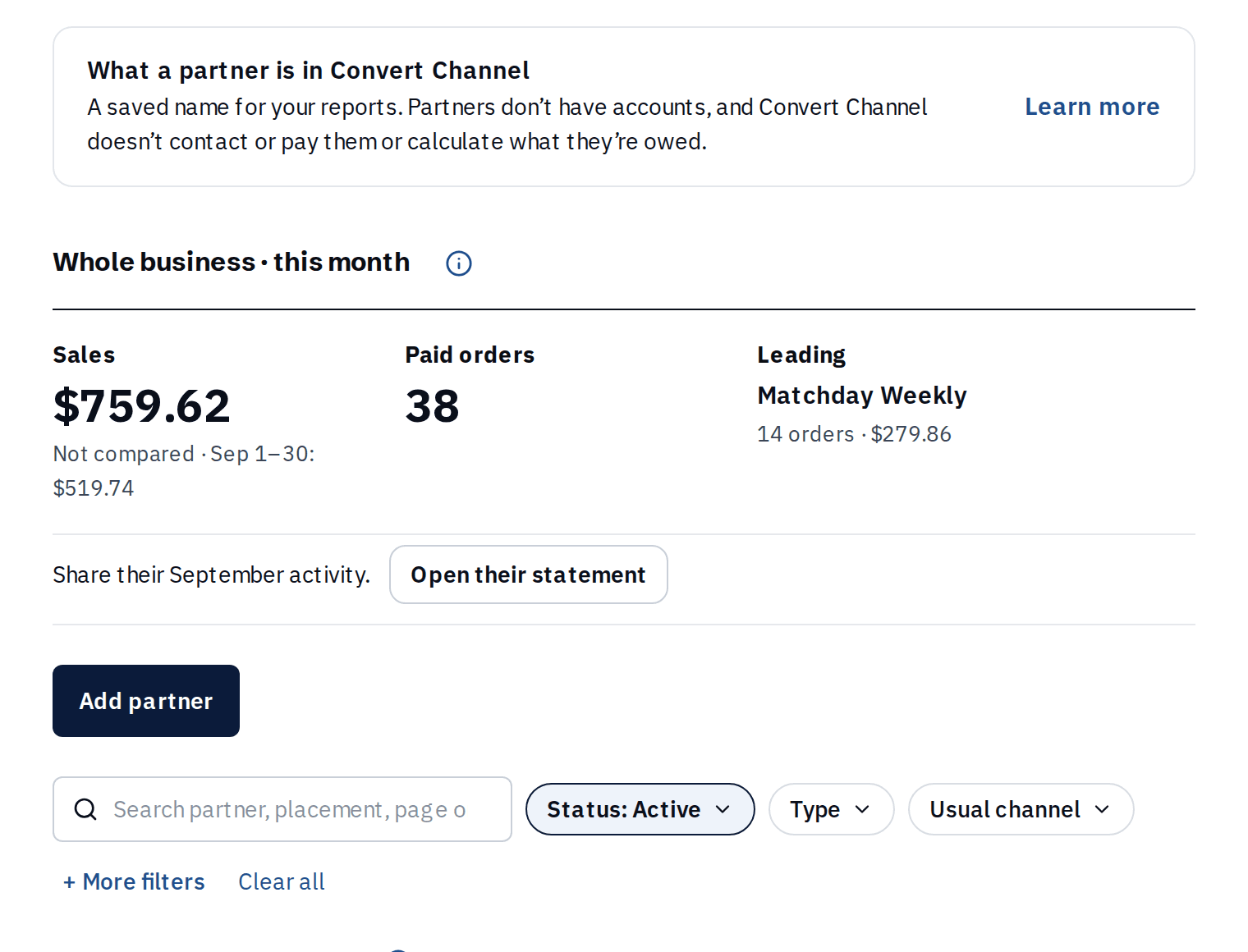
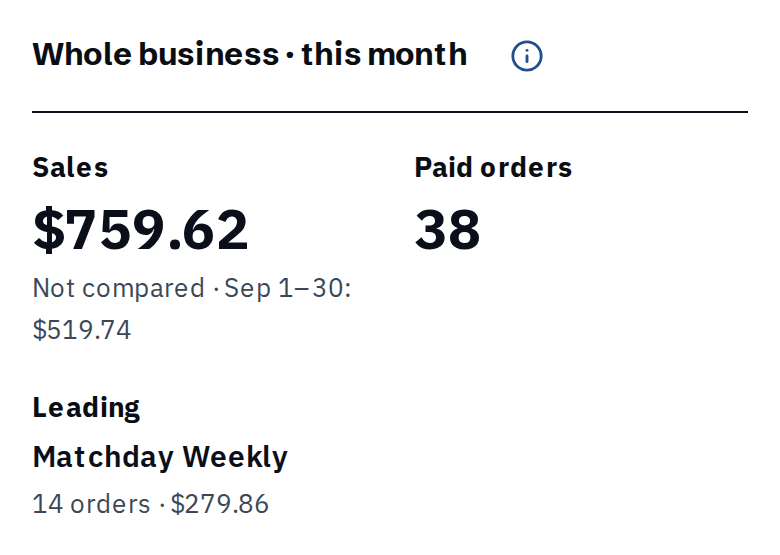
Reports group sales by partner, and each partner has a statement without customer details.
Step by step, in detail
- Step 1:
Add the partner
You add each partner yourself: a name, their type (publisher, creator or influencer, affiliate, retailer or store, venue, event or organizer), a contact email for your records and your own reference. Names close to a saved partner are refused, so sales aren’t split between two.
- Step 2:
Make their offer
Choose Partner placement when you build an offer, or make tracking copies of one that works: up to 50 at a time, each with its own link and QR code.
- Step 3:
Their audience buys from you
Send the partner the embed code, the purchase link or the QR code. Their audience pays at your checkout and Amazon ships from your FBA stock; the partner never holds stock, takes payment or ships anything.
- Step 4:
Read the results
Reports group sales by partner. A partner statement lists their sales and refunds with short order numbers, without customer details, fees or your Stripe and Amazon references.
Example · Final Whistle
Two partners, one game
Final Whistle gives two partners their own offers for its card game: Matchday Weekly, a publisher that reviews it, and tabletopnight, a creator who links it from a bio.
From October 1 to 17 the review has 14 orders and $319.84 in item sales, with one $19.99 refund, and the bio link 10 orders and $219.89. At month end Final Whistle downloads each partner’s statement and pays them under its own agreement.

In depth
Creators, influencers and partners
Turn the people who love your product into a sales team.
Give every creator, affiliate or friend their own offer and short link. Each sale through their offer is credited to them, so you can settle up on what they actually sold.
- Add the partnerNo account, inventory or shipping for them.
- Give them their own offerTheir own tracking ID and short link.
- They share itBio, caption, story, DM or newsletter.
- Each sale is credited to their offerShare a statement of exactly what they sold.

- Matchday Weekly · reviewBuy button$899.55
- @tabletopnight · creatorcnvchl.com/Bn7wK2s$579.71
- Jess · 40k followerscnvchl.com/Js3hV9d$379.81
- Fan Zone tailgateQR code · event table$259.87
Buy from the demo store the way a partner’s audience would.
About a minute. No real charge, nothing ships, no email is sent.
Questions
How is a sale attributed?
By the offer the customer bought through. Each offer has a stable tracking ID, recorded on the order at checkout, and each order keeps the placement, partner, campaign and price it sold under. No cookies or click tracking are involved.
Does Convert Channel pay commissions?
No. Agreement details are notes for your records. You work out and pay what you owe under your own agreement.
Can a reseller sell in its own name or take the payment?
Not through Convert Channel today. The brand is always the seller: shoppers pay the brand’s own Stripe account and orders ship from the brand’s FBA stock. A partner promotes the brand’s offer for a commission or fee. There’s no partner checkout, payment splitting, payout, reserved stock or partner marketplace.
What do the reports give me to settle commission?
For each partner and placement: paid orders, units, item sales, discounts, refunds and disputes, with shipping and tax shown separately, by the date of each payment or refund in your time zone, for a month or any dates you choose. Export partner sales for commission reconciliation. These are sales figures, not an amount owed: what you owe depends on your agreement.
If I change the product, do partners’ offers change too?
No. Each partner’s offer is its own copy of the product details, price and settings, so you can change one without the others. Change each offer you want changed. A printed QR code keeps its printed price; the checkout it opens always shows the current one.
What does a partner statement show?
Their sales and refunds with the short order number customers see, and changes relating to earlier months on their own lines. It leaves out customer details, fees and your Stripe and Amazon references.
One flat price. No share of your sales, no fee per order.
Flat plans from $19 a month.